How to Start Learning Programming from Zero: A Complete Plan
A practical plan to learn coding from scratch: set a goal, pick a first language, use trusted free resources, build projects and follow a realistic timeline.
Published 5 min read
In this article
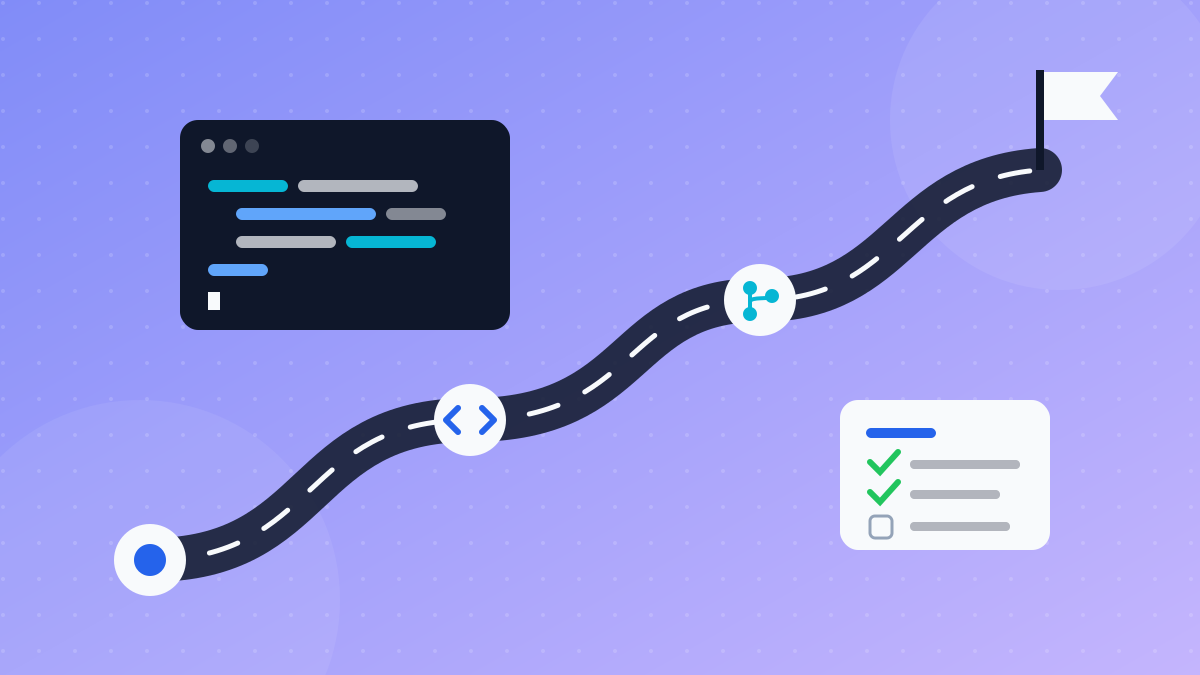
To start learning programming from zero, decide what you want to build, pick one language that fits that goal (usually Python or JavaScript), learn the basics from a single free resource, and start building small projects as early as you can. Most people who give up don't quit because coding is too hard. They quit because they jump between courses and languages with no plan.
In short: one clear goal, one language, one main resource, an hour a day, and a small project every two weeks. Stick with it for four to six months and you'll have solid fundamentals and projects to show.
Step 1: Choose your goal before your language
The first question isn't "what's the best language?" It's "what do I want to build?" Your goal decides the path:
| Goal | Suggested first language |
|---|---|
| Websites and web apps | JavaScript, with HTML and CSS |
| Data analysis, automation, AI | Python |
| Android apps | Kotlin |
| iPhone apps | Swift |
| Not sure yet | Python: easy to read and useful almost everywhere |
Don't spend weeks comparing. Any of these teaches the same core ideas, and your second language will come much faster. For a deeper look, read which programming language to learn first.
Step 2: Set up your tools
You don't need a powerful computer. Anything that runs a modern browser is enough to start. You'll want:
- A code editor: VS Code is free and runs on Windows, macOS and Linux.
- The language itself: for example Python from its official site, or Node.js to run JavaScript outside the browser.
- A browser: Chrome or Firefox, both with built-in developer tools.
- A notebook, paper or digital, to write down what you learn in your own words.
If you pick Python, follow Python for beginners: your first program step by step.
Step 3: Learn the basics from one resource
Pick one free resource and finish it. Trusted options include:
- freeCodeCamp: a free interactive curriculum for web development and Python, with certifications.
- Harvard's CS50: a strong introduction to computer science, free online.
- The Odin Project: a free, open-source, project-based web development curriculum.
- Official documentation: such as the Python Tutorial on python.org and MDN Web Docs for web technologies.
The concepts to master in any language:
- Variables and data types (text, numbers, true/false values).
- Conditions (
ifandelse). - Loops (
forandwhile). - Functions.
- Lists and dictionaries, or your language's equivalent.
- Reading and understanding error messages.
That last one matters more than it looks. An error message isn't a failure; it's a clue that tells you where the problem is.
Step 4: Build small projects early
Watching tutorials gives you a false sense of understanding. Real understanding comes when you write something yourself, hit a problem and fix it. Beginner project ideas:
- A calculator in the terminal or on a web page.
- A number guessing game: the program picks a random number and you guess.
- A to-do list: add, remove and save tasks.
- A unit converter: temperatures, or currencies using rates you type in yourself.
- A personal page: a simple web page about you and your projects.
The rule: after every new concept, use it in a small project before moving on.
What to do when you get stuck
Getting stuck is normal, even for professionals. Work through these steps in order:
- Read the whole error message and note the line number it points to.
- Print values. Add temporary print statements to see what your variables hold at each step.
- Search the error text. Someone has almost certainly hit the same problem, and sites like Stack Overflow often have useful discussions.
- Explain the problem out loud, line by line. You'll often spot the bug while explaining it.
- Take a short break, then come back with fresh eyes.
Step 5: Learn Git and GitHub
Once you have two or three projects, learn Git to save versions of your work and track changes, and GitHub to publish and share your projects. A tidy GitHub profile later becomes part of your portfolio. Start with Git and GitHub step by step.
A realistic timeline
This plan assumes one to two hours a day. Adjust it to your schedule:
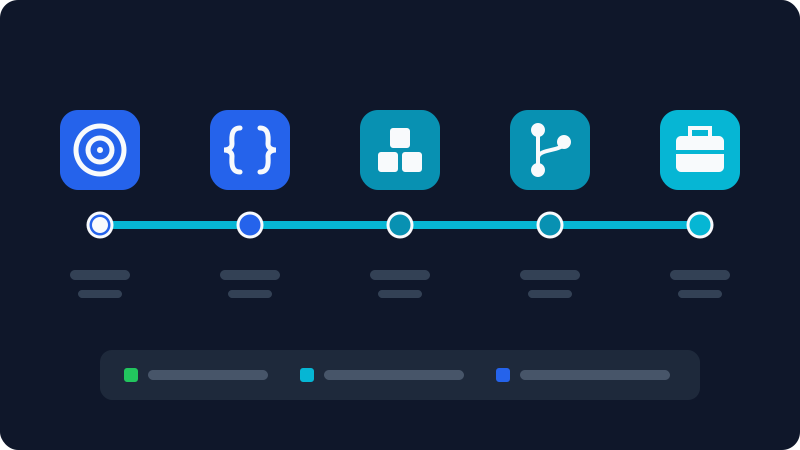
| Period | Focus | Outcome |
|---|---|---|
| Week 1 | Choose a goal, install tools | A working setup and a program that prints a message |
| Weeks 2 to 8 | Fundamentals from one resource | Comfortable with variables, conditions, loops, functions |
| Month 3 | Small projects and Git | Three projects on GitHub |
| Months 4 and 5 | Your specialty (web, data, and so on) | One medium-sized project |
| Month 6 | Polish projects and write descriptions | A portfolio you can share |
Don't worry if it takes longer. People learn at different speeds; what matters is that you keep going.
Using AI without hurting your learning
Tools like ChatGPT and Claude are very useful for learners when you treat them as a tutor, not a replacement:
- Ask for explanations, not answers. "Explain why this error happens" beats "fix my code."
- Try first. Work on a problem for at least 20 minutes before asking.
- Ask for practice. "Give me 5 beginner exercises on loops."
- Check everything it suggests. AI makes mistakes, and spotting them is part of learning.
For more examples, read how to use AI to help you code.
Mistakes that make beginners quit
- Language hopping. A week of Python, then a week of JavaScript, means you master neither.
- Collecting courses. One finished course is worth more than ten you started.
- Waiting to feel ready. You never will. Start a small project now.
- Comparing yourself to others. Social media shows the result, not the years of learning behind it.
- Long breaks. On busy days, do even 15 minutes so you don't lose momentum.
Frequently asked questions
Do I need to be good at maths to learn programming?
No. Most beginner-friendly areas, like web development and automation, need logical thinking and basic arithmetic. Advanced maths matters more in specific fields such as graphics and some parts of AI.
How many hours a day should I study?
Consistency beats volume. One focused hour every day is better than seven hours once a week, because programming is a skill you build through repetition.
Can I get a programming job without a degree?
It's possible at some companies, especially in web development, if you have real projects that prove your skills. Requirements vary by country and field, so look at job ads in your area to see what employers actually ask for.
Is learning to code still worth it now that AI can write code?
Yes. AI tools speed up writing code, but you still need to understand programming to know what to ask for, review what the tool produces, and catch its mistakes.
Related tutorials
Programming
How to Use AI to Help You Code (A Practical Guide for Beginners)
Learn how to use AI assistants like ChatGPT, Claude and GitHub Copilot to write, explain and debug code, plus the mistakes to avoid when coding with AI.
· 6 min read
Programming
Which Programming Language Should You Learn First?
Python or JavaScript? Find the best first programming language for your goal, whether that's websites, data and AI, mobile apps, or games, and how to start.
· 5 min read
Programming
Frontend vs Backend: What's the Difference?
Frontend is what you see in the browser; backend is the server, logic, and database behind it. Learn the difference, the languages, and which path suits you.
· 5 min read